
Securing REST APIs: Authentication, Authorization, and Rate Limiting
Learn how to effectively secure your REST APIs with comprehensive strategies for authentication, authorization, and rate limiting.
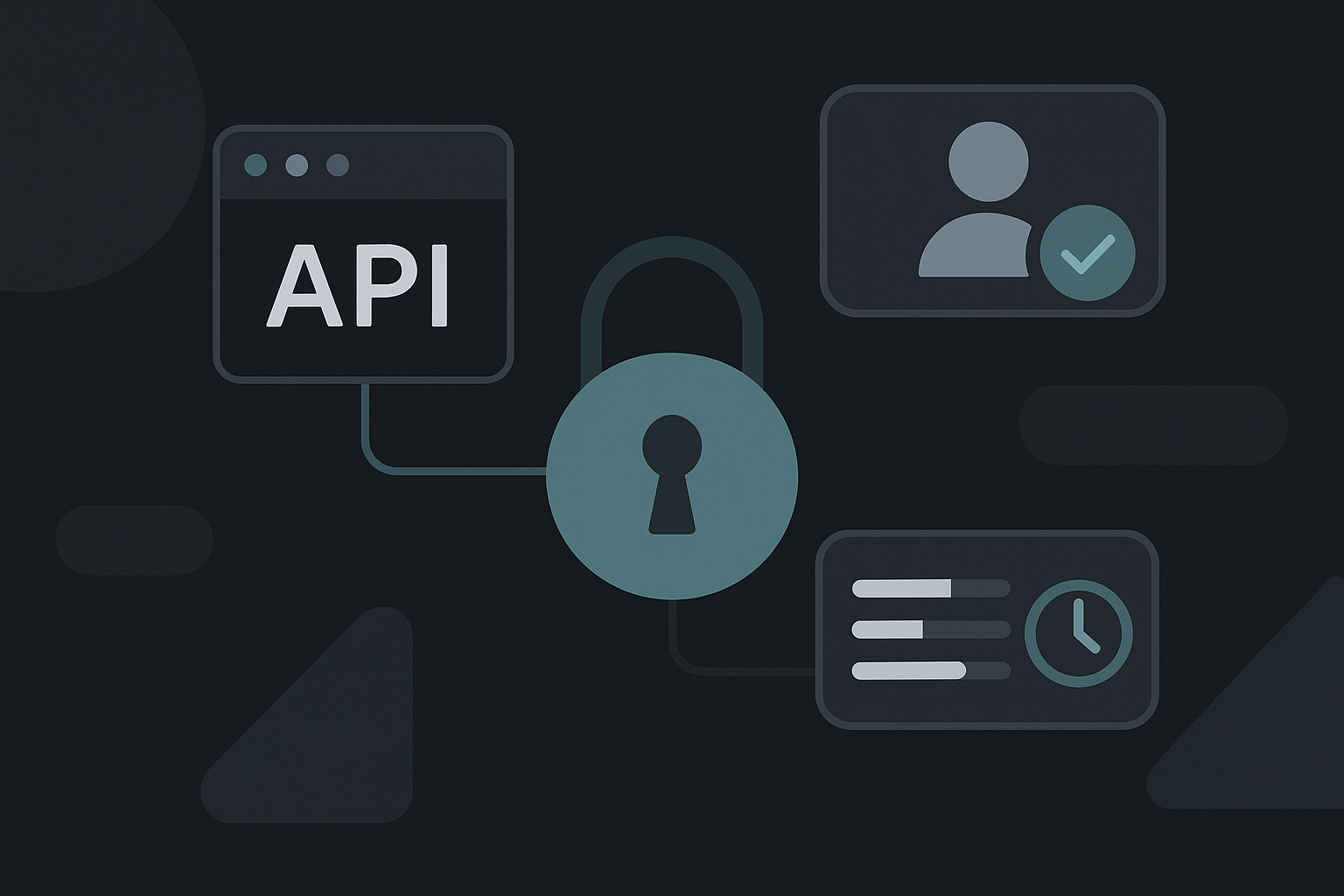
Securing REST APIs: Authentication, Authorization, and Rate Limiting
Securing REST APIs is essential for protecting sensitive data and ensuring that only authorized users can access specific resources. In this article, we will explore critical aspects of securing REST APIs: authentication, authorization, and rate limiting. We'll discuss common strategies, provide code examples, and highlight trade-offs.
1. Authentication
Authentication verifies the identity of users or systems interacting with your API. There are several common methods for implementing authentication:
1.1. Basic Authentication
In Basic Authentication, user credentials are sent in the HTTP header.
Pros:
- Simple to implement.
Cons:
- Not secure unless used over HTTPS (credentials are base64 encoded but not encrypted).
Example:
from flask import Flask, request, jsonify
from functools import wraps

app = Flask(__name__)

def authenticate(username, password):
    return username == "admin" and password == "password"  # Example credentials

def require_auth(f):
    @wraps(f)
    def decorated(*args, **kwargs):
        auth = request.authorization
        if not auth or not authenticate(auth.username, auth.password):
            return jsonify({'message': 'Authentication required!'}), 401
        return f(*args, **kwargs)
    return decorated

@app.route('/secure-data')
@require_auth
def secure_data():
    return jsonify({'data': 'This is secure data.'})

if __name__ == '__main__':
    app.run()  # Example Flask app
1.2. Token-Based Authentication
Token-based authentication relies on issuing tokens (like JWTs) after the initial login, allowing users to authenticate themselves on subsequent requests.
Pros:
- More secure than Basic Auth.
- Stateless (no session storage on the server).
Cons:
- Tokens can expire, requiring re-authentication.
Example:
import jwt
from datetime import datetime, timedelta

SECRET_KEY = 'your_secret_key'

def generate_token(username):
    expiration = datetime.utcnow() + timedelta(hours=1)
    token = jwt.encode({'user': username, 'exp': expiration}, SECRET_KEY, algorithm='HS256')
    return token

@app.route('/login', methods=['POST'])
def login():
    username = request.json.get('username')
    password = request.json.get('password')
    if authenticate(username, password):
        token = generate_token(username)
        return jsonify({'token': token})
    return jsonify({'message': 'Invalid credentials'}), 401

@app.route('/secure-data')
@require_auth
def secure_data():
    token = request.headers.get('Authorization').split()[1]
    try:
        jwt.decode(token, SECRET_KEY, algorithms=['HS256'])
        return jsonify({'data': 'This is secure data.'})
    except jwt.ExpiredSignatureError:
        return jsonify({'message': 'Token has expired'}), 401
    except jwt.InvalidTokenError:
        return jsonify({'message': 'Invalid token'}), 401
2. Authorization
Authorization determines whether a user has permission to perform a specific action. Common approaches include:
2.1. Role-Based Access Control (RBAC)
RBAC involves assigning roles to users and restricting access based on these roles.
Example:
def role_required(role):
    def decorator(f):
        @wraps(f)
        def decorated(*args, **kwargs):
            token = request.headers.get('Authorization').split()[1]
            decoded_token = jwt.decode(token, SECRET_KEY, algorithms=['HS256'])
            if decoded_token['user'] != role:
                return jsonify({'message': 'Access denied for this role.'}), 403
            return f(*args, **kwargs)
        return decorated
    return decorator

@app.route('/admin-data')
@require_auth
@role_required('admin')
def admin_data():
    return jsonify({'data': 'This is admin data.'})
2.2. Attribute-Based Access Control (ABAC)
ABAC allows more fine-grained access control based on user attributes and resource properties.
Example:
def attribute_based_access_control(resource):
    def decorator(f):
        @wraps(f)
        def decorated(*args, **kwargs):
            token = request.headers.get('Authorization').split()[1]
            decoded_token = jwt.decode(token, SECRET_KEY, algorithms=['HS256'])
            user_attributes = get_user_attributes(decoded_token['user'])
            if not check_access(user_attributes, resource):
                return jsonify({'message': 'Access denied.'}), 403
            return f(*args, **kwargs)
        return decorated
    return decorator

@app.route('/resource-data')
@require_auth
@attribute_based_access_control('some_resource')
def resource_data():
    return jsonify({'data': 'This is resource data.'})
3. Rate Limiting
Rate limiting protects your API from abuse by restricting the number of requests a user can make in a given timeframe. This is crucial for preventing Denial of Service attacks and managing resources effectively.
3.1. Token Bucket Algorithm
One common strategy for rate limiting is the Token Bucket algorithm, which allows a certain number of requests to be processed within a specified window.
Implementation:
You can implement a simple rate limiter in Flask as follows:
from time import time

RATE_LIMIT = 5  # requests per minute
user_requests = {}  # store user request times

def rate_limiter():
    def decorator(f):
        @wraps(f)
        def decorated(*args, **kwargs):
            user_id = request.headers.get('User-ID')
            current_time = time()
            if user_id not in user_requests:
                user_requests[user_id] = []
            # Remove timestamps older than 1 minute
            user_requests[user_id] = [t for t in user_requests[user_id] if t > current_time - 60]
            if len(user_requests[user_id]) >= RATE_LIMIT:
                return jsonify({'message': 'Rate limit exceeded.'}), 429
            user_requests[user_id].append(current_time)
            return f(*args, **kwargs)
        return decorated
    return decorator

@app.route('/data-with-limit')
@require_auth
@rate_limiter()
def data_with_limit():
    return jsonify({'data': 'This data is rate limited.'})
Conclusion
Securing REST APIs involves a combination of authentication, authorization, and rate limiting. Each method has its trade-offs, and it’s essential to choose the right approach based on your application's requirements.
Start by implementing secure authentication methods, ensure proper authorization checks, and consider rate limiting strategies to protect your API from misuse. Deploy these techniques to build a secure, reliable, and scalable API capable of serving your users’ needs effectively.