
OpenAI Structured Outputs: Mastering Function Calling
Learn how to effectively utilize OpenAI structured outputs and function calling to enhance API interactions and streamline data handling.
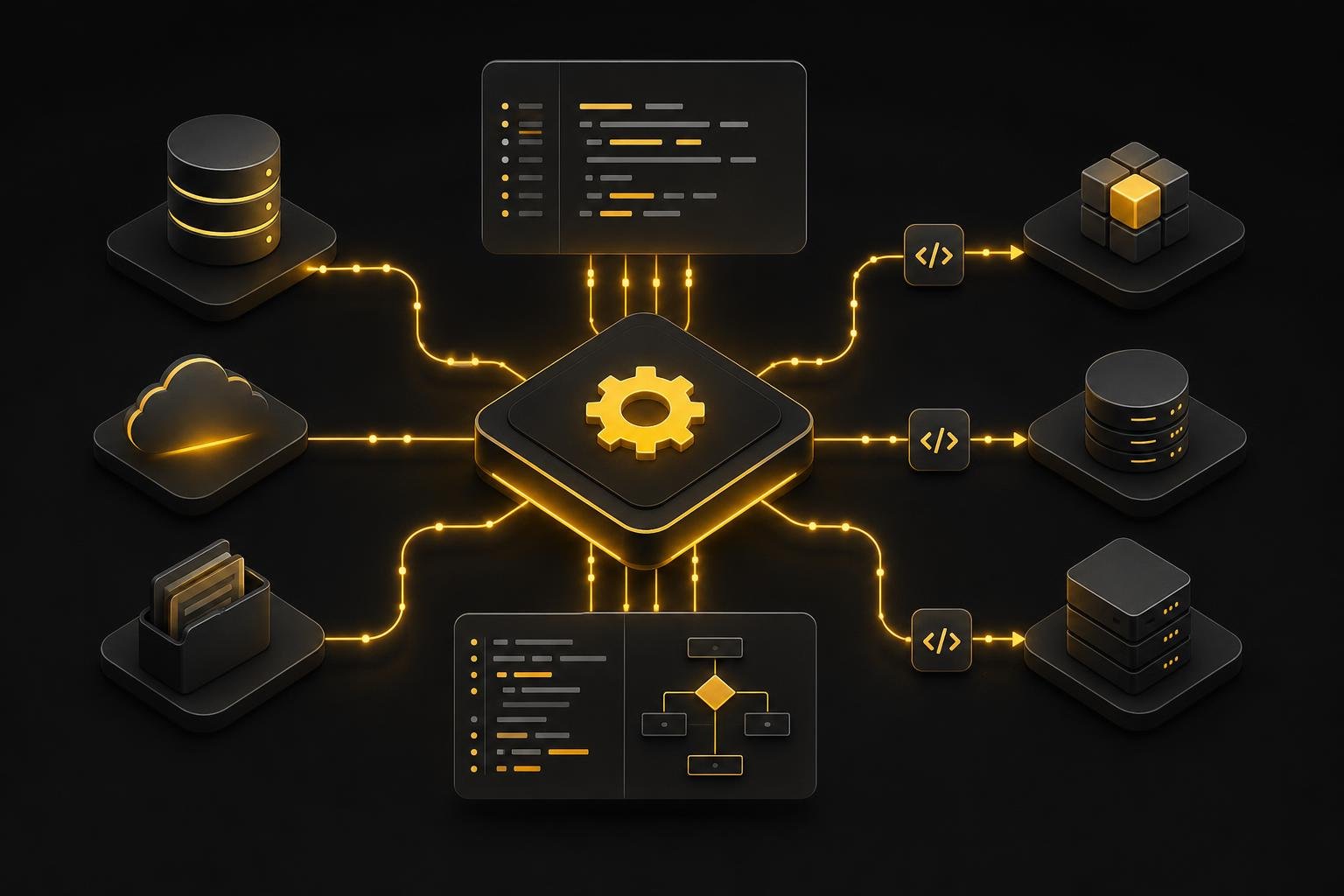
When using the OpenAI API, embracing OpenAI structured outputs can significantly improve how data is formatted and processed. Structured outputs allow developers to retrieve responses that are easier to parse and manipulate, enhancing efficiency and utility in applications.
Key takeaways
- Structured Outputs Simplified: Helps structure API responses for easier integration.
- Function Calling: Facilitates dynamic programming through parameterized APIs.
- Practical Examples: Real code examples for implementing structured outputs.
- Use Cases: Explore scenarios where structured outputs shine.
Understanding OpenAI Structured Outputs
The OpenAI API offers a way to format the outputs so they can be more systematically processed. In contrast to traditional free-text responses, structured outputs can encapsulate data in a form that is readily consumable by applications. This means they can return lists, dictionaries, or other data structures per the specifications of the API call.
Benefits of Using Structured Outputs
- Consistency: Consistent data formats help in predictable API responses.
- Ease of Parsing: Developers can efficiently extract and utilize specific information.
- Enhanced Interaction: Structured outputs enhance the interaction with APIs by defining schemas that can be easily understood.
Implementing Function Calling with OpenAI API
Function calling allows developers to invoke specific data-fetching or computation operations explicitly. Here’s a step-by-step approach to implementing this feature using OpenAI’s API:
- Setting Up the API Call: Start by configuring the OpenAI client in your preferred programming language.
- Defining Your Function: Specify the function you want to call. This involves structuring the inputs and outputs properly.
- Executing the Call: Integrate the call within your code logic, capturing the structured outputs for further processing.
Code Example
Here's a simple example of using structured outputs in Python with the OpenAI API:
import openai

# Initialize the OpenAI API client
openai.api_key = 'your-api-key'

# Define the function you want the model to call
response = openai.ChatCompletion.create(
    model="gpt-3.5-turbo",
    messages=[
        {"role": "user", "content": "Calculate the area of a rectangle."}
    ],
    functions=[
        {
            "name": "calculate_area",
            "description": "Calculates the area given width and height",
            "parameters": {
                "type": "object",
                "properties": {
                    "width": {"type": "number"},
                    "height": {"type": "number"}
                },
                "required": ["width", "height"]
            }
        }
    ],
    function_call={"name": "calculate_area"}
)

print(response.choices[0].message)
In this example, the API call requests the function to calculate the area based on user-defined dimensions. The output from this call can then be structured for subsequent usage seamlessly.
Common Mistakes
- Ignoring API Limits: Be aware of limits on the number of function calls or outputs you can request. Hitting these limits can lead to failed requests or errors.
- Not Testing Responses: Make sure to thoroughly test how your application handles unexpected outputs. Debugging can be easier with structured output formats, but assumptions about data types can lead to issues if not validated.
- Overcomplicating Structures: Sometimes developers try to over-engineer their structured outputs. Keeping functions simple and the output defined in easy-to-parse formats will save time later.
Frequently asked questions
What are OpenAI structured outputs?
OpenAI structured outputs are formatted responses from the API that make it easier for developers to interact with and utilize the data. They encapsulate data in a predictable structure, allowing for efficient parsing and manipulation.
How can I implement function calling in the OpenAI API?
You can implement function calling by defining a structured API function within your request and specifying how you want the output to be returned, following the API documentation for proper parameters.
Are there specific use cases for structured outputs?
Structured outputs are particularly useful in applications where consistency and predictability are required, such as in forms, data processing, and when chaining multiple API calls to create a pipeline.
What programming languages support OpenAI API function calling?
The OpenAI API can be used with any language that can send HTTP requests, including Python, JavaScript, Java, and others. Make sure to check the SDK documentation for specific libraries if available.
Can I customize the structure of the outputs?
Yes, you can customize the structure of the outputs according to your application’s needs by defining input parameters in the API call.
What should I do if I encounter errors while using structured outputs?
Make sure to validate the input you are sending to the API and check whether the expected output format is being returned. Use debugging techniques to trace issues, and consult the OpenAI API documentation for error codes and troubleshooting steps.
Conclusion
OpenAI structured outputs and function calling offer significant advantages for enhancing data handling in applications. By implementing these features, developers can ensure their applications are robust, easier to maintain, and capable of responding effectively to user queries. For assistance with integrating these techniques into your projects, consider leveraging AI engineering services.